
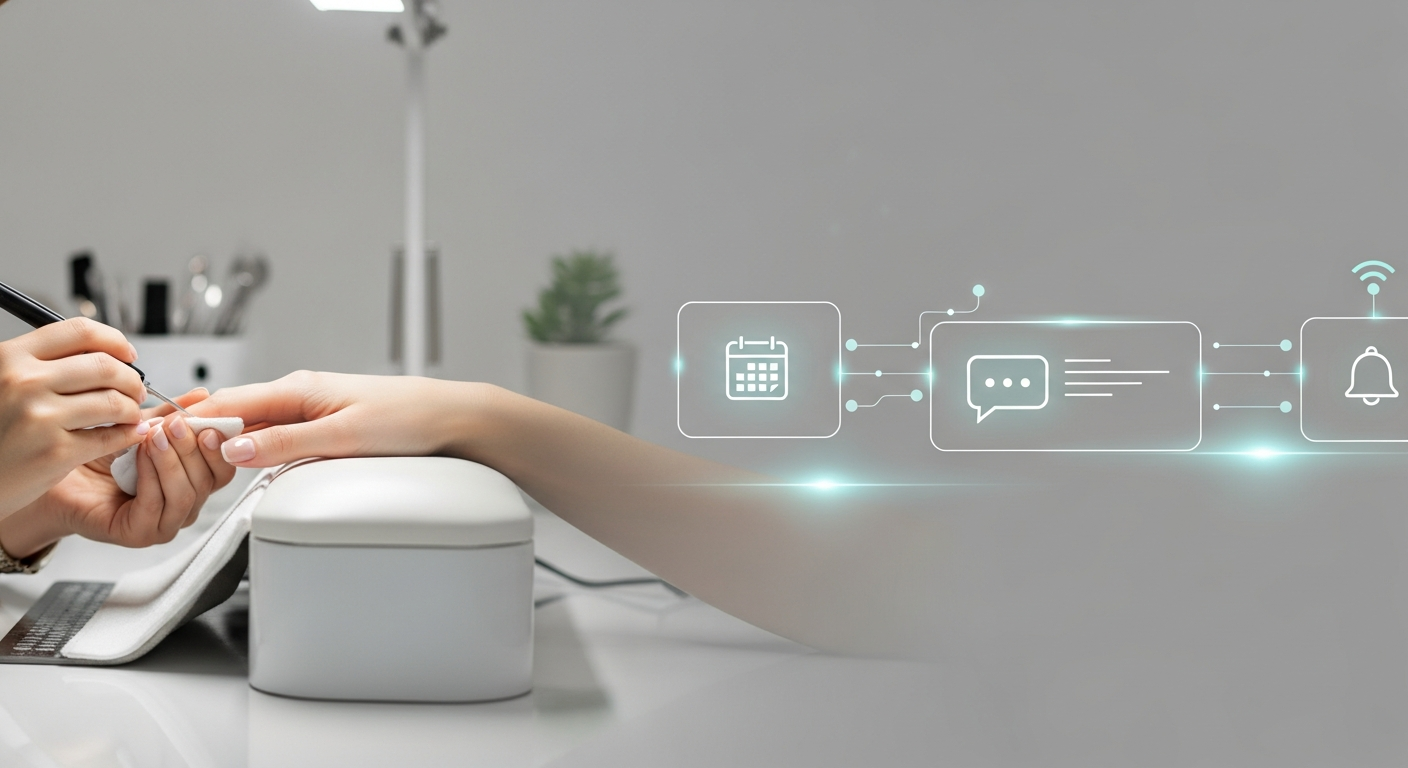
Nail Salon Marketing Automation Basics
Nail salon marketing automation is the use of pre-set software triggers to manage client communications like appointment reminders and follow-up messages automatically. This system ensures every customer receives consistent information without manual effort from staff, helping small salons maintain full schedules and increase client retention through well-timed, relevant digital touchpoints.
How Marketing Automation Works for Nail Salons
Marketing automation uses simple “if-then” logic to handle routine tasks. When a client performs an action, such as booking a pedicure, the system triggers a specific response.
These systems work in the background 24 hours a day. They handle the repetitive work that usually requires a receptionist to pick up the phone or send individual texts.
For a nail salon owner, this means the shop stays organized even during the busiest Friday afternoon rush. The system handles the logistics while the technicians focus on nails.
What Parts of Your Nail Salon Can Be Automated?
Most daily communication in a nail salon follows a predictable pattern. Identifying these patterns allows you to automate them and reclaim hours of your time each week.
- Appointment Confirmations: Instant alerts sent via text or email the moment a booking is made.
- Visit Reminders: Automated nudges sent 24 hours before an appointment to reduce “no-show” rates.
- Post-Service Follow-ups: Messages sent a few hours after a service to check on client satisfaction.
- Rebooking Reminders: Triggers sent three weeks after a gel or acrylic service to suggest a new appointment.
Simple Automation Systems for Small Nail Salons
You do not need an expensive IT department to start using automation. Most modern booking platforms used by U.S. salons have basic automation tools already built into the software.
Small salons should start with text-based triggers. Most clients prefer a quick text over a phone call, and automated texts have a much higher open rate than emails.
Focus on one workflow at a time. Start with appointment reminders, then add a “happy birthday” trigger once you are comfortable with the system.
Budget-Friendly Customer Automation Ideas
An effective system does not have to be costly. Simple “set it and forget it” messages can be created using the data you already collect during the check-in process.
Automate a “Welcome” message for first-time clients. This message can include your salon’s parking instructions or your policy on late arrivals to prevent future confusion.
Another low-cost idea is a “We Miss You” trigger. If a regular client has not visited the nail salon in six weeks, the system can automatically send a friendly check-in message.
Understanding Customer Behavior in Local Nail Salons
Local nail salon clients value their time and appreciate convenience. Most people forget to book their next fill until they see a chip or significant growth on their nails.
Automation addresses this behavior by reaching the client before they look elsewhere. A well-timed message makes the rebooking process effortless for the customer.
By understanding that the average nail service cycle is 14 to 21 days, you can time your automations to hit right when the client is thinking about their next visit.
Common Automation Mistakes Made by Salon Owners
One common mistake is sending too many messages. If a client receives three texts for one appointment, they may feel overwhelmed and opt-out of your system entirely.
Another error is failing to update the automation content. If your automated message mentions a “winter special” in July, it makes the nail salon appear unorganized.
Always ensure your automated messages sound human. Avoid using overly formal language that feels like a robot is speaking to your valued local clients.
