
Nail Salon Marketing Automation Basics
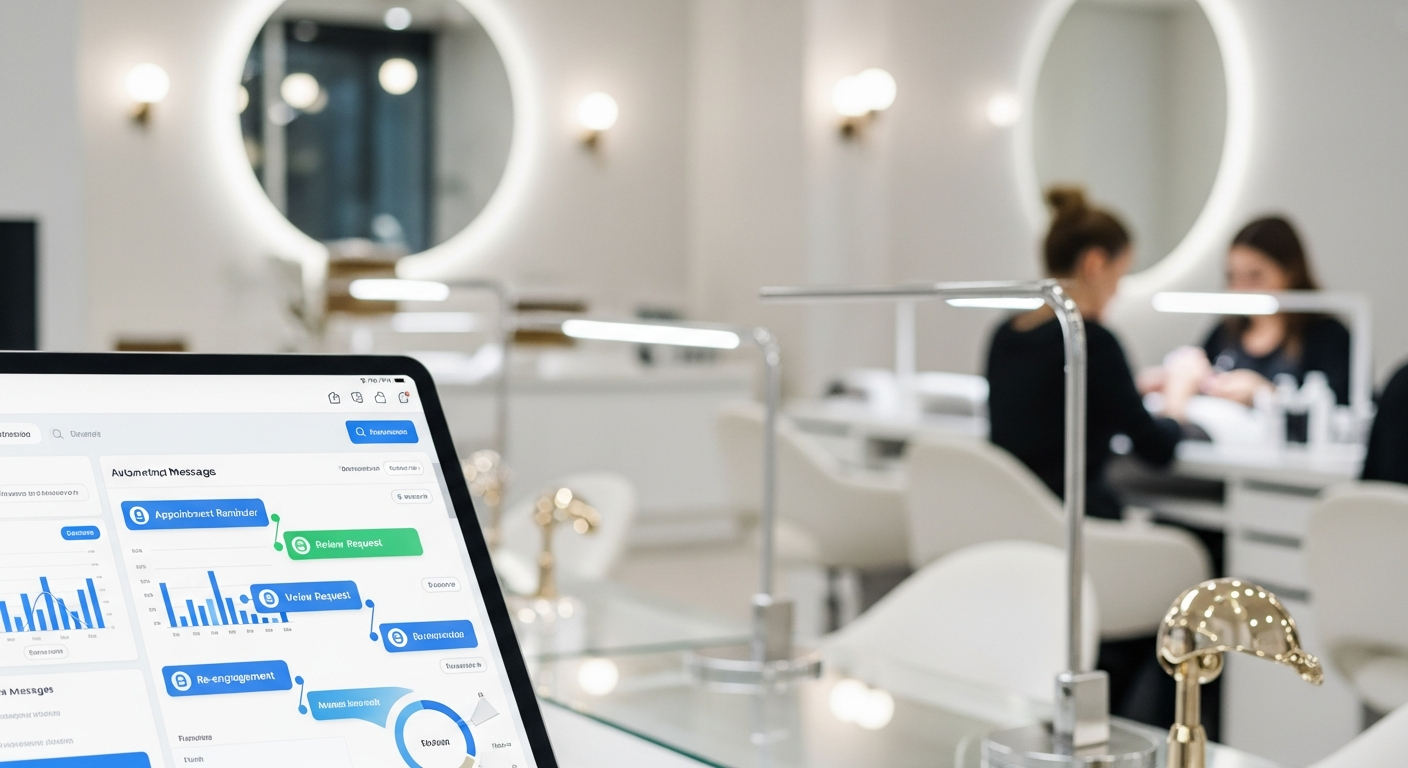
Nail salon marketing automation basics involve using software systems to handle repetitive communication tasks like appointment reminders, review requests, and re-engagement messages. By automating these touchpoints, nail salon owners reduce manual labor while ensuring consistent contact with clients, helping to increase booking frequency and maintain high retention rates without extra staff effort.
How Marketing Automation Works for Nail Salons
Marketing automation for nail salons uses “if-then” logic to trigger messages based on client actions. When a client books a manicure, the system automatically sends a confirmation.
These systems connect directly to your digital appointment book to track when a client visits. This allows the system to send timely messages without you needing to check the calendar.
The goal is to move a client through their beauty journey using pre-set templates. This ensures every customer receives the same high-quality communication every time they visit.
What Parts of Nail Salon Marketing Can Be Automated?
Appointment Management and Reminders
Automating reminders is the most effective way to reduce no-shows. Systems send text or email alerts 24 to 48 hours before a scheduled service.
Confirmations can also be automated to ensure the client has the correct address and time. This prevents confusion and keeps the salon schedule running smoothly.
Review Requests and Feedback
Automation can trigger a request for a Google review shortly after a client leaves the salon. This happens while their fresh set of nails is still top of mind.
Gathering private feedback can also be automated to catch issues before they become public. This helps owners maintain a high reputation in the local community.
Client Re-engagement
Nail services typically follow a two-to-three-week cycle. Automation identifies clients who have not booked within their usual timeframe.
The system then sends a “we miss you” message to encourage a return visit. This keeps your chair full without you having to manually call lapsed customers.
Simple Automation Systems for Small Salons
Small nail salons can start with basic automation through their existing booking software. Most modern platforms include built-in SMS and email tools.
Focus on “set it and forget it” workflows that handle the most common tasks. Prioritize appointment reminders first, as these provide the fastest return on investment.
Use simple, personalized templates that sound like they come from your salon. Local customers appreciate a friendly, professional tone rather than a corporate feel.
Understanding Customer Behavior in Local Salons
Nail salon customers value convenience and consistency above almost everything else. They prefer receiving text reminders over phone calls during their busy workdays.
Most clients follow a predictable maintenance schedule for acrylics or gel polish. Automation works best when it aligns with these natural service intervals.
By tracking how often a client visits, you can automate messages that reward loyalty. This reinforces the relationship between the technician and the customer.
Common Automation Mistakes to Avoid
- Over-communicating: Sending too many messages can annoy clients and cause them to opt out of your system.
- Generic Templates: Failing to use the client’s name or specific service type makes the automation feel cold and robotic.
- Ignoring Opt-Outs: You must respect “STOP” requests immediately to comply with US messaging regulations and maintain trust.
- Incorrect Timing: Sending a review request before the client has even finished their appointment looks unprofessional.
Budget-Friendly Automation Ideas
Start with automated email campaigns, as these are often cheaper than SMS. Use them for monthly newsletters or educational tips on nail aftercare.
Leverage the loyalty features already built into your point-of-sale system. Automatically notifying a client when they earn a discount encourages more frequent bookings.
Focus on automating one task at a time to avoid overwhelming your staff. Once the reminders are working well, move on to automating your review collection.
